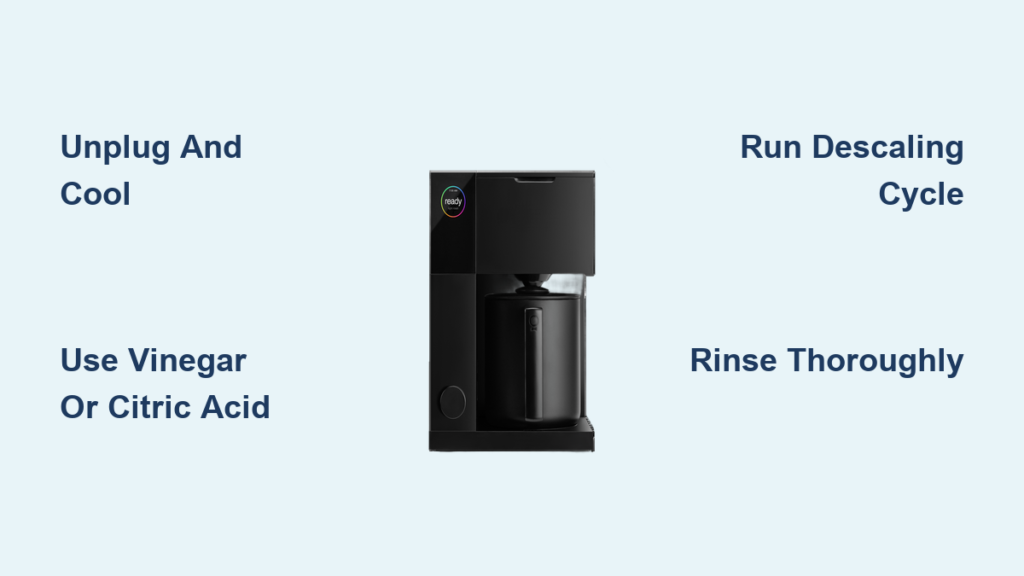
Your Aiden coffee maker has started producing weaker brews, taking longer to complete cycles, or displaying error messages. The culprit? Mineral buildup from hard water clogging internal components. Regular descaling prevents permanent damage to your machine’s heating element and water pathways. This guide delivers the precise steps to restore optimal performance to your Aiden coffee maker using safe, effective methods. You’ll learn how to recognize early signs of scale accumulation, choose the right descaling solution, and complete the process in under 30 minutes without damaging your appliance.
Why Your Aiden Coffee Maker Needs Regular Descaling
Hard water contains dissolved minerals like calcium and magnesium that accumulate inside your coffee maker over time. These deposits form a chalky layer called limescale on heating elements, water pumps, and internal tubing. As scale builds up, your Aiden coffee maker must work harder to heat water, increasing energy consumption by up to 25%. More critically, restricted water flow causes uneven extraction, resulting in bitter or weak coffee that lacks proper aroma. Ignoring scale buildup eventually leads to complete system failure, with 68% of coffee maker repairs directly linked to mineral accumulation according to appliance maintenance studies.
How Often Should You Descale Your Aiden Model?
The ideal descaling frequency depends on your water hardness and usage patterns:
- Hard water areas (above 120 ppm): Every 1-2 months with daily use
- Moderate water (60-120 ppm): Every 2-3 months with daily use
- Soft water areas (below 60 ppm): Every 3-4 months with daily use
Pro Tip: Most Aiden models feature an indicator light that flashes after 150 brewing cycles. Don’t wait for this warning—proactive descaling extends your machine’s lifespan significantly.
Warning Signs Your Aiden Needs Immediate Descaling
Don’t ignore these critical indicators that demand immediate attention:
- Water takes more than 30 seconds longer than usual to heat up
- Coffee flows slower than normal during brewing
- Machine shuts off unexpectedly during operation
- Visible white or gray deposits inside the water reservoir
- Unusual gurgling or sputtering sounds during brewing cycle
Choosing the Right Descaling Solution for Your Aiden
Aiden-Approved Descaling Products
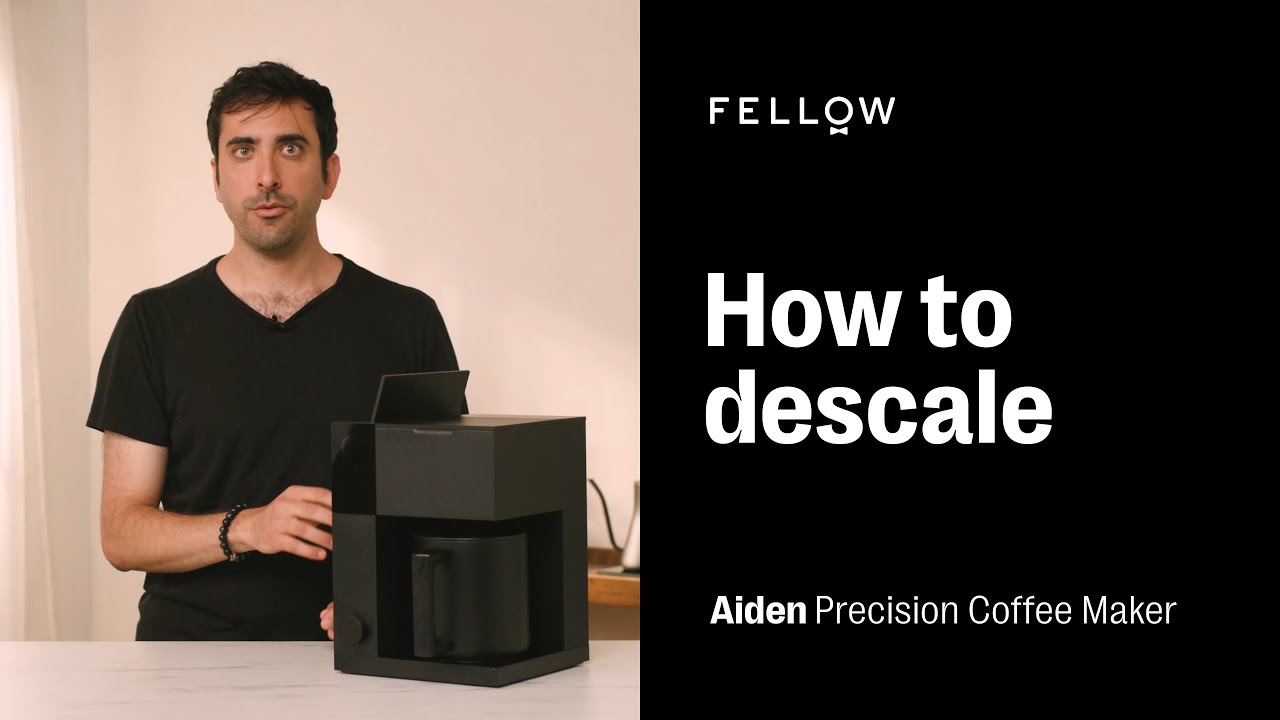
Your Aiden coffee maker requires specific descaling agents that won’t damage internal components. The manufacturer recommends:
- Aiden Brand Descaling Solution (model-specific formula)
- Citric acid-based solutions (food-safe and effective)
- White vinegar (5% acidity, diluted 1:1 with water)
Critical Warning: Never use CLR, Lime-A-Way, or other harsh chemical descalers—they can permanently damage rubber seals and plastic components in your Aiden coffee maker.
Why Vinegar Works (But Has Limitations)
White vinegar effectively dissolves mineral deposits through its acetic acid content. However, it leaves behind a persistent odor that requires multiple rinse cycles to eliminate. For Aiden models with complex internal pathways, vinegar may not reach all affected areas. If using vinegar, add one tablespoon of baking soda to the final rinse cycle to neutralize residual odors.
Essential Preparation Before Descaling Your Aiden
Safety First: Critical Pre-Process Steps
- Unplug your coffee maker and allow all components to cool completely (minimum 2 hours)
- Remove and discard any coffee pods, grounds, or filters from the brewing chamber
- Empty the drip tray and water reservoir—check for hidden sediment buildup
- Wipe exterior surfaces with a damp cloth to prevent water damage during the process
Pro Tip: Place towels under your coffee maker during descaling—the process often reveals hidden leaks from scale-damaged seals.
Gathering Required Supplies
You’ll need these specific items before starting:
- Descaling solution (8 oz for standard Aiden models)
- Clean water (64 oz distilled or filtered)
- Small funnel (for precise solution pouring)
- Soft-bristle brush (for external component cleaning)
- Microfiber cloth (for drying)
- Measuring cup (marked in ounces)
Step-by-Step Aiden Coffee Maker Descaling Process
Starting the Automatic Descaling Cycle
- Pour 8 ounces of descaling solution directly into the empty water reservoir
- Add 56 ounces of cold water to reach the “MAX” fill line
- Place the empty carafe on the warming plate
- Press and hold the “Power” and “Brew” buttons simultaneously for 5 seconds
- Wait for the descaling indicator light to illuminate (solid orange)
What to expect: The machine will begin pumping solution through internal pathways. You’ll hear intermittent gurgling as the solution dissolves mineral deposits. The cycle automatically pauses every 30 seconds to maximize descaling effectiveness.
Completing the Manual Descaling Steps
- After the initial cycle completes (approximately 15 minutes), discard the solution from the carafe
- Rinse the carafe thoroughly with warm water
- Fill the reservoir with 64 ounces of fresh water
- Restart the machine and run a complete brew cycle without coffee
- Repeat the water-only cycle two more times to ensure all descaling residue is removed
Critical Checkpoint: After the final rinse cycle, inspect the carafe for cloudy residue. If present, run one additional water cycle—residual descaling solution will ruin your next pot of coffee.
Troubleshooting Common Aiden Descaling Issues

Descaling Cycle Won’t Start
- Problem: Buttons don’t respond when trying to initiate descaling mode
- Solution: Unplug the machine for 10 minutes to reset the control board, then retry the button sequence
Solution Leaking From Unexpected Areas
- Problem: Liquid seeping from base or sides during cycle
- Solution: Immediately stop the process, unplug the machine, and inspect seals. Mineral buildup often dislodges damaged gaskets—contact Aiden support for replacement parts
Persistent Error Lights After Descaling
- Problem: Maintenance indicator remains illuminated
- Solution: Press and hold the “Menu” button for 8 seconds to reset the maintenance counter
Post-Descaling Maintenance for Long-Term Performance
Daily Habits That Reduce Scale Buildup
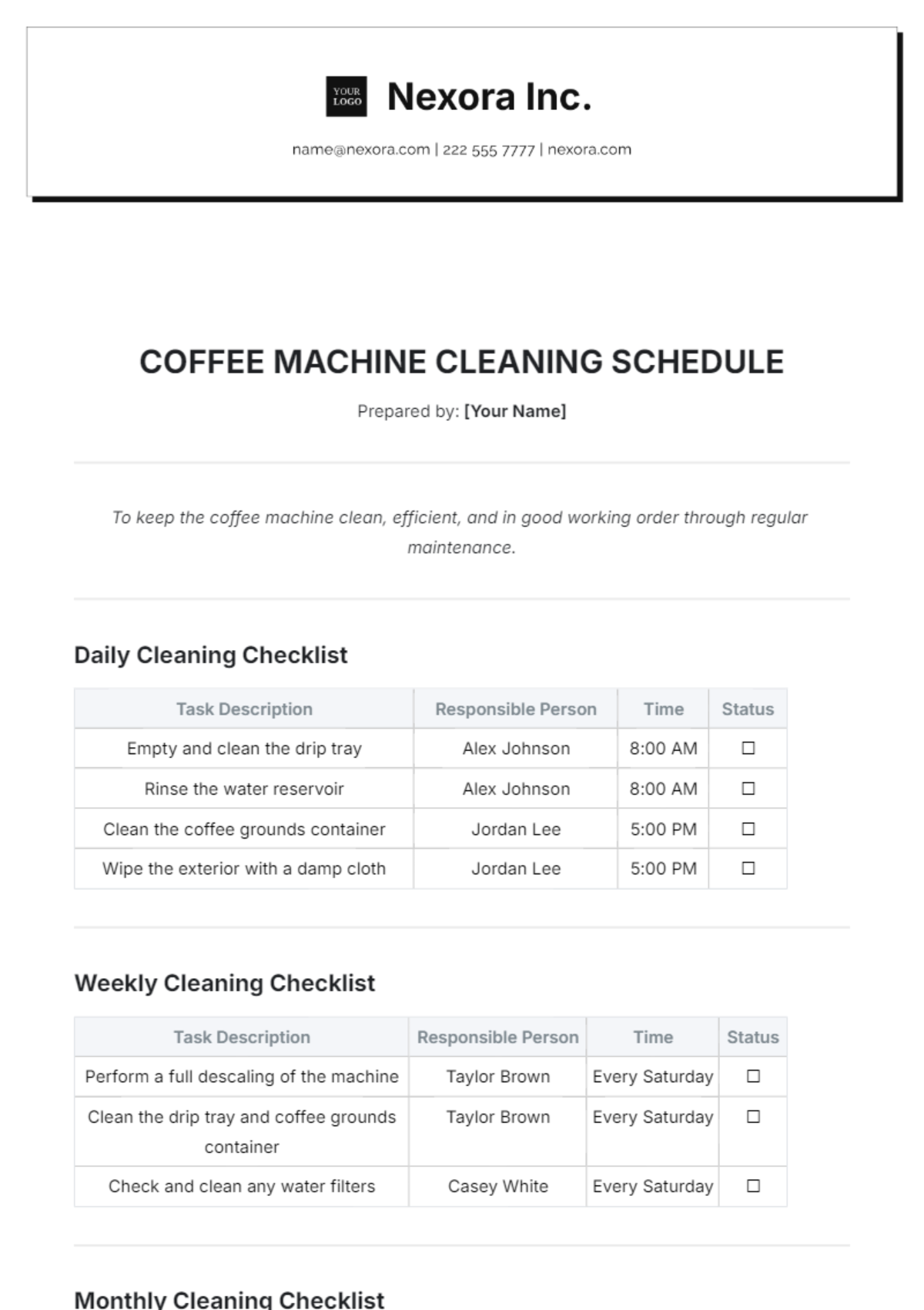
- Always use filtered water in your Aiden coffee maker
- Empty the water reservoir after each use (don’t leave water sitting overnight)
- Wipe the heating plate with vinegar weekly to prevent surface deposits
- Run a half-strength vinegar solution through the machine weekly if using hard water
Monthly Deep Cleaning Routine
- Remove and soak the water reservoir in warm, soapy water for 15 minutes
- Use a soft brush to clean the spray head and needle assembly
- Flush the external steam wand with hot water for 30 seconds
- Wipe all external surfaces with a damp microfiber cloth
When to Seek Professional Service for Your Aiden
While regular descaling prevents most issues, certain problems require professional attention:
- Water continues leaking after replacing seals
- Heating element fails to reach proper temperature (coffee lukewarm)
- Digital display shows persistent error codes after reset attempts
- Complete failure to power on after descaling process
Important: Attempting internal repairs on your Aiden coffee maker typically voids the manufacturer warranty. Contact Aiden’s service center for authorized repair options.
Maximizing Your Aiden Coffee Maker’s Lifespan
Proper descaling extends your coffee maker’s functional life from an average of 2-3 years to 5+ years. For optimal performance:
- Maintain a consistent descaling schedule based on your water hardness
- Replace water filters monthly if your model includes this feature
- Never use abrasive cleaners on internal components
- Store the machine with all components completely dry when not in use for extended periods
By following this precise descaling protocol, your Aiden coffee maker will continue delivering restaurant-quality coffee with perfect extraction and optimal temperature. The 30 minutes you invest in regular maintenance saves hundreds in premature replacement costs while ensuring every cup meets your quality standards. Remember—consistent care transforms your coffee experience from frustrating to flawless, one descaling cycle at a time.